
Now Patented!
How it Works
Make a restaurant menu in minutes.
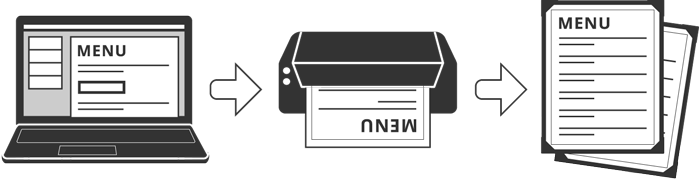

Add and edit your menu items at any time, without having to juggle text boxes.
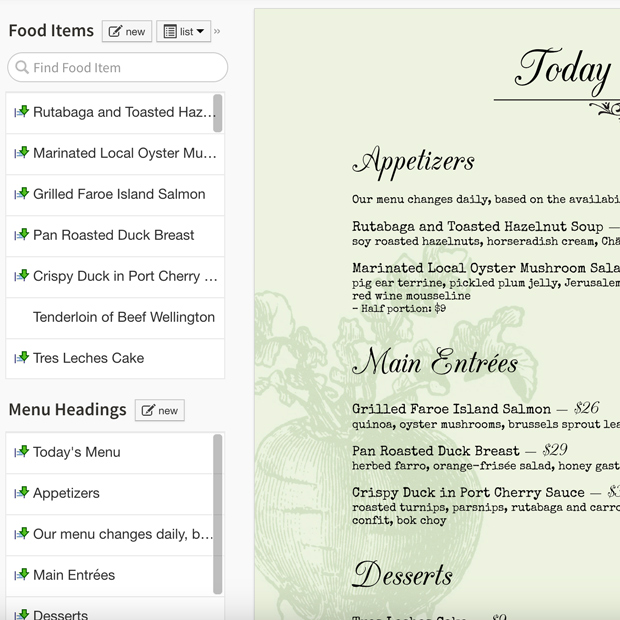
Enter your foods and drinks into the list. Once there, they will always be accessible – don’t waste time retyping for each new menu.
Then add any number of menu headings for each menu you create such as ‘Appetizers’, ‘Today’s Specials’ or subheadings like ‘served with a salad’.
The iMenuPro drag and drop food list is so unique it’s patented, and it syncs to all your menus.
Drag your items from the food list to the menu.
Once they hit the menu, iMenuPro automatically formats them with graphical precision, resulting in a beautifully designed menu with minimal effort.
Rearrange items with one move – no grouping of text boxes or manual alignment required.
This patented feature sets iMenuPro apart from every other design app that could be used to make menus.
Stocked with beautiful, curated designs, you can get fancy and upload your own assets too for a more customized look.
Click the Menu Style buttons and watch your content transform – no design skills needed, no retyping required.
Skip the endless scrolling through a sea of mockup templates with our curated styles.
Styles are like templates but faster since you don’t have to re-type your menu copy and your formatting stays intact.
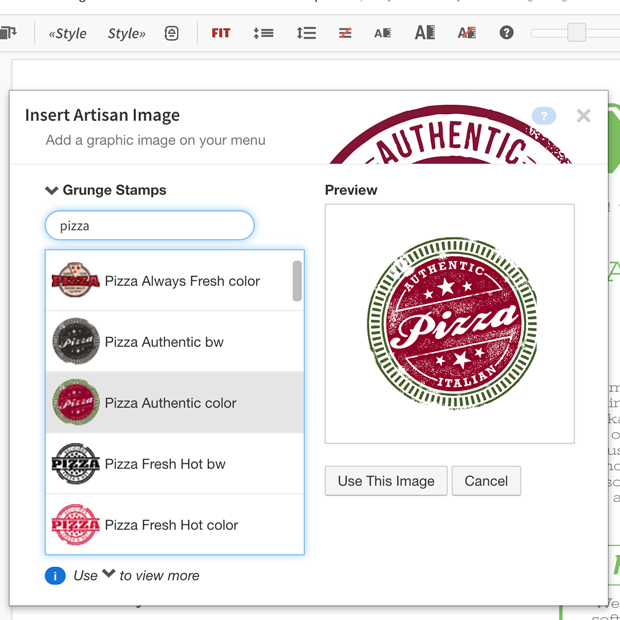
Brand your menu with with your logos, photos, and artwork or tap a 3,000+ Artisan Image collection for just the right flourish.
Add boxes, accents, or icon highlights to draw attention to the high-profit dishes you want to sell the most. The only limit is your imagination.
When you make a change, we’ll update your digital website menus, social media and QR menus – like magic.
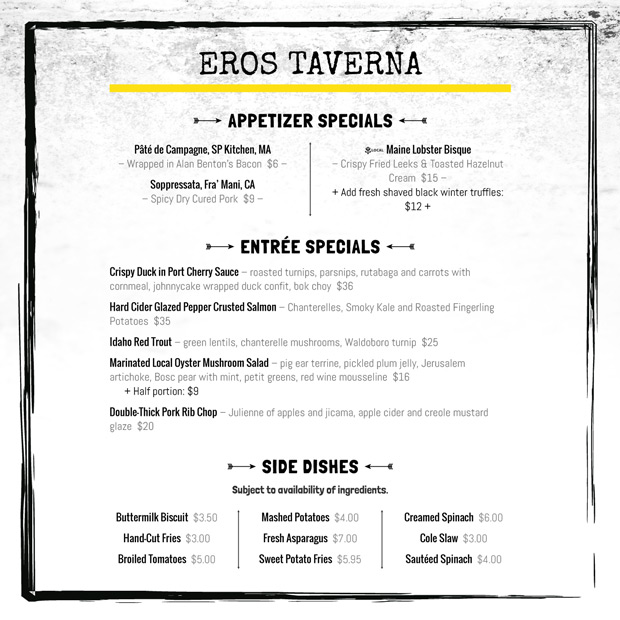
Create a pro-quality PDF in seconds for in-house printing. And sync your changes to digital website menus, social media blasts and instant QR menus, simultaneously.
When food costs or operating circumstances change, you can now react instantly with updated menus and new pricing – a must in today’s competitive environment.